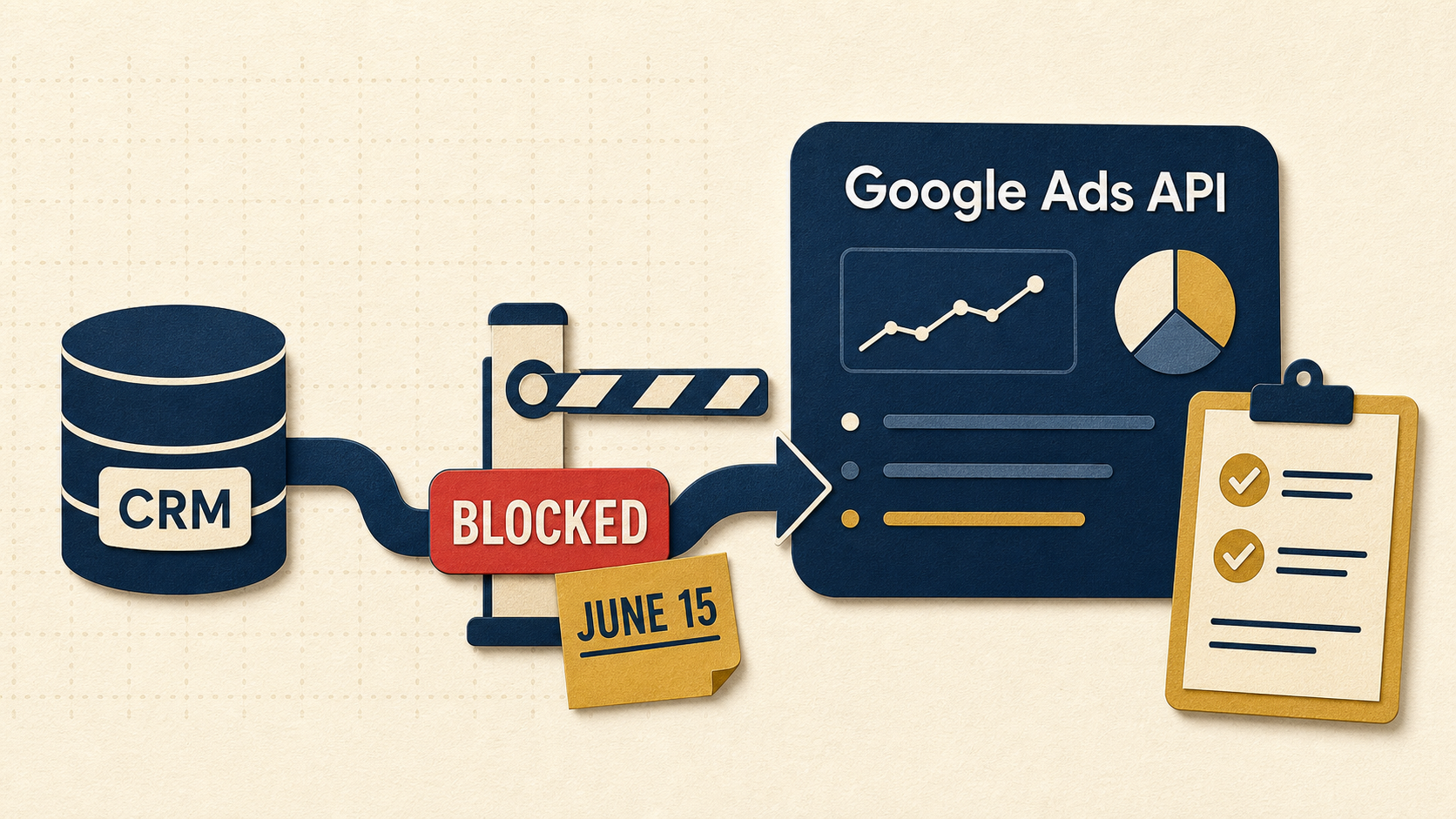
If you upload offline conversions into Google Ads through a CRM, call tracking tool, middleware, or a homegrown script, you have a deadline. Google says new adopters of offline click conversion imports in the Google Ads API will be blocked starting June 15, 2026. Source: ads-developers.googleblog.com.
That sentence sounds developer-y. The fallout is not. If your imports stop, your campaigns will keep spending. You will just lose the signals that tell Google what a real lead looks like.
Plain English: what changed
The Google Ads API method many tools use to upload offline click conversions is getting gated. Google says accounts that have not already adopted offline conversion imports (or have not imported within the recent window they describe) will receive an error when they try to start using it after June 15.
If you want to see the technical phrase Google uses, it is in that same announcement: the error is CUSTOMER_NOT_ALLOWLISTED_FOR_THIS_FEATURE.
Your ads will not break. Your attribution will.
Who should care (even if you never touched an API)
- Lead gen teams that count qualified leads, not form fills.
- Service businesses where the real conversion is a booked call, not a click.
- Sales teams that close deals days later in a CRM.
- Agencies with a reporting stack that depends on offline import data.
- Anyone using a tool that says, “We upload conversions back into Google Ads.”
The two ways this bites you
- You are about to set up offline conversion imports for the first time. You follow a tutorial, you flip a switch, and nothing comes through.
- You think you are not using offline imports. Your vendor is. You find out when reporting goes flat and the vendor starts using words like “migration.”
The operator checklist (do this this week)
Short loops. Evidence. No vibes.
- Inventory what you feed into Google Ads today. List every conversion action you optimize to. Note the source. Website tag? GA4 import? Call tracking? CRM?
- Find the handoff point. Where does the GCLID or user data get captured? Lead form? Call tracking number? Appointment tool? Write it down.
- Ask your vendor one specific question. “Do you use
UploadClickConversions(offline click conversion imports) under the hood? If yes, what is your plan before June 15, 2026?” - Run a control test. Create a tiny batch of known conversions and upload them the way your tool does. Confirm you see them in Google Ads. Screenshot the proof.
- Put a monitoring check on it. If offline conversions drop to zero for two days, you want an alert, not a surprise.
If you own the integration
Google is pushing developers to use the Data Manager API for offline conversion imports. Start with these two pages:
- Google announcement: Changes to Offline Click Conversion Import Support in the Google Ads API
- Google Ads API docs (legacy click uploads): Manage Offline Conversions
I am not going to pretend most marketing teams want to read API docs on a Tuesday. This is why you should ask your vendor for a written plan and a timeline.
Questions to ask your vendor (copy/paste)
- What exact method are you using to upload conversions into Google Ads today?
- Are we already allowlisted for the legacy method, or are we at risk on June 15?
- What will you change, and when will it be live?
- Will the migration change conversion action names, IDs, or attribution settings?
- How will you prevent double counting during the cutover?
- What is your rollback plan if imports stop?
- What proof can you show that the new pipeline is working in our account?
What not to do
- Do not wait until June 14 to check if anything is importing.
- Do not “fix” it by swapping to a different conversion action with different counting rules.
- Do not turn off offline conversions because it is annoying. If you optimize to junk, you buy junk.
If you want the bigger picture on keeping marketing reporting believable, start with UTMs Without the Tears. If you need a lead handling system that keeps you from wasting the leads you already paid for, read The Lead Response System.

Want us to audit your conversion stack?
We can trace the path from click to CRM to Google Ads, find the weak spots, and get you a clean checklist for your team and vendors.